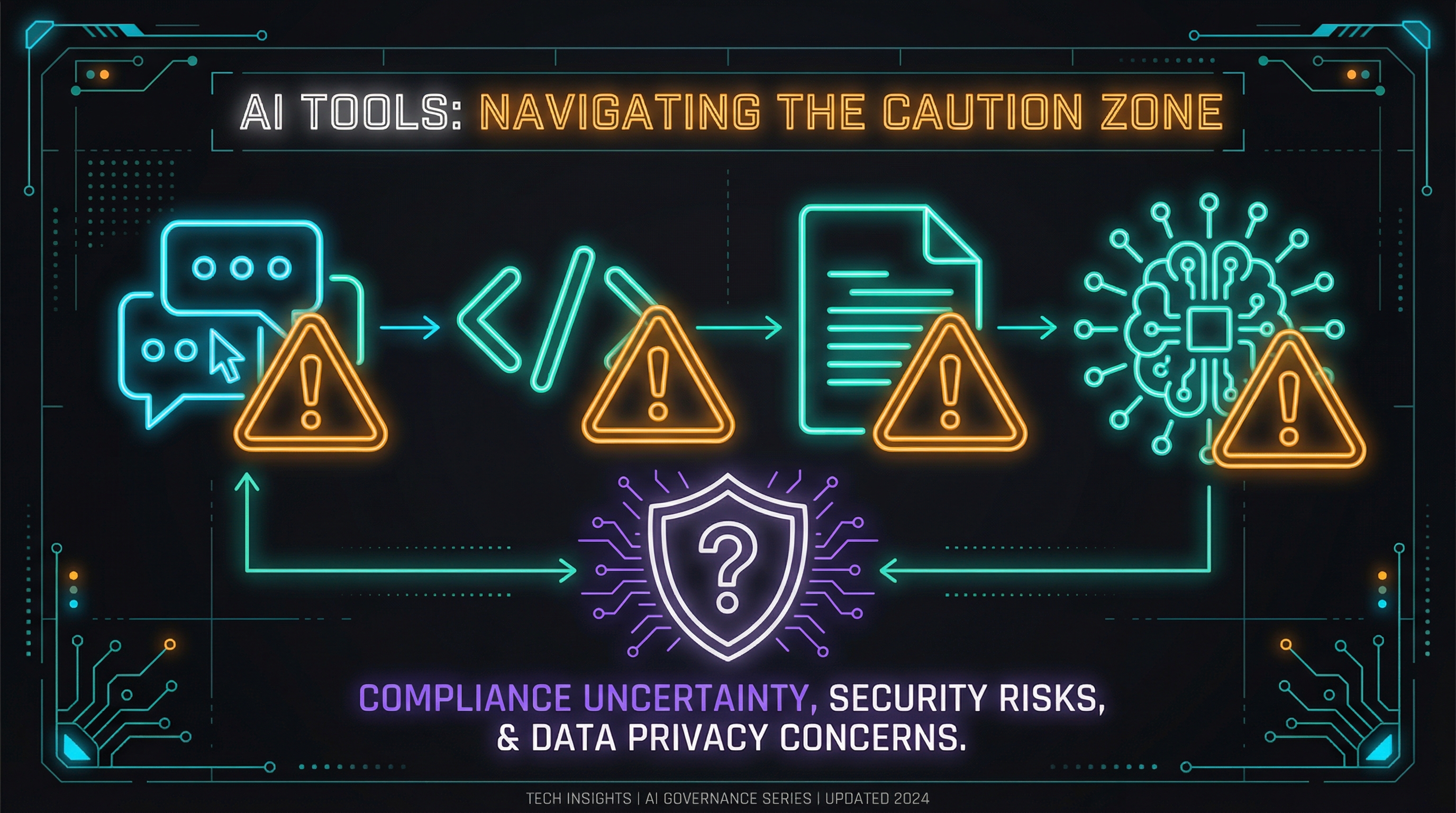
Your AI Toolkit is Probably Illegal
That “quick question” you just asked Claude? It’s probably discoverable in litigation.
Let me guess your workflow.
You use ChatGPT for quick research. Claude for writing and analysis. GitHub Copilot for code suggestions. Maybe Notion AI for meeting notes. A transcription tool for calls. Possibly a dozen other AI assistants sprinkled throughout your day.
Now let me ask: which of those tools are approved for the data you’re putting into them?
If you work in a regulated industry and hesitated before answering, you’ve just identified the shadow AI problem. And it’s creating liability you probably haven’t fully considered.
The Shadow AI Problem
“Shadow IT” has been a compliance concern for decades—employees using unapproved tools because they’re convenient. Shadow AI is its more dangerous cousin. The difference? Traditional shadow IT might expose data to unauthorized systems. Shadow AI actively processes that data, potentially training on it, storing it indefinitely, and making it discoverable in ways you can’t control.
I’ve watched this pattern unfold across multiple institutions. The tool that makes you 3x more productive today becomes the audit finding that costs you months tomorrow.
Every time you paste customer data into a public AI tool, you’re making decisions about data residency, retention, and access controls—decisions you probably don’t have the authority to make.
The compliance tax I discussed last time isn’t just about slower productivity. It’s about these invisible risks accumulating in the background while you chase efficiency.
The Audit Framework
I’ve developed a simple framework for evaluating AI tools against regulated industry requirements. It’s not exhaustive, but it surfaces the most common compliance gaps.
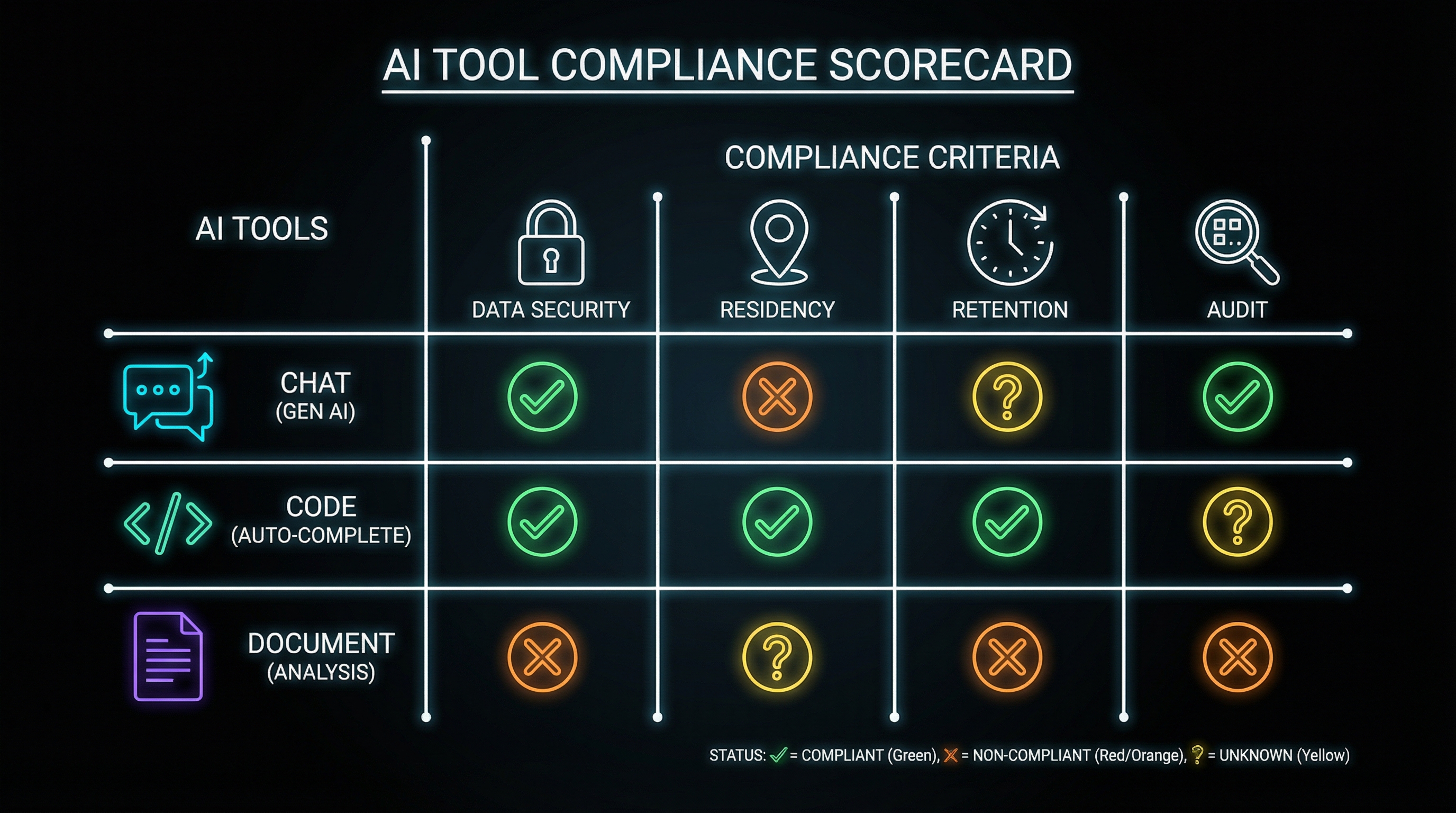
The framework evaluates four dimensions:
1. Data Residency
Question: Where does your data physically go when you use this tool?
Why it matters: Many regulations require data to remain within specific geographic boundaries. GDPR requires EU data stay in the EU (with exceptions). Banking regulations often mandate domestic data processing. Healthcare data has its own residency requirements.
Red flags:
- Tool doesn’t specify data location
- Servers in regions that create legal conflicts
- Data routinely crosses borders during processing
- No option for regional deployment
What to look for:
- Clear documentation of data center locations
- Options for regional instances
- Contractual commitments to residency requirements
- SOC 2 or equivalent compliance certifications
Data residency is just the beginning. Even if your data stays put, the question becomes: for how long?
2. Data Retention
Question: How long does the tool keep your data, and in what form?
Why it matters: Regulated industries have specific retention requirements—both minimums (must keep for X years) and maximums (must delete after Y years). Many AI tools have policies that conflict with both.
Red flags:
- “We retain data to improve our models” (indefinite retention)
- No clear deletion policy
- Retention period conflicts with your regulatory requirements
- No audit trail of what was deleted and when
What to look for:
- Configurable retention periods
- Clear deletion procedures
- Option to opt out of model training
- Data retention certifications
Retention policies matter, but they don’t exist in a vacuum. The real question is what happens when someone comes looking for that data.
3. Discoverability
Question: Can data processed by this tool be subpoenaed, requested via FOIA, or accessed during litigation?
Why it matters: In regulated industries, if data exists, it can be discovered. Conversation logs with AI tools are no exception. That “quick question” about a customer becomes a permanent record that might surface in unexpected contexts.
Red flags:
- No clarity on how legal requests are handled
- Conversation history stored indefinitely
- No option to disable logging
- Data used for training becomes part of model (and thus potentially discoverable)
What to look for:
- Clear legal request procedures
- Options to minimize logging
- Enterprise agreements with specific legal terms
- “Zero retention” or equivalent options
Even with perfect retention and discovery controls, there’s one more gap: who has access in the first place?
4. Access Controls
Question: Who can see the data you put into this tool, and how is access authenticated?
Why it matters: Regulatory frameworks typically require demonstrating who had access to what data and when. Consumer AI tools often fail this basic requirement.
Red flags:
- Shared accounts or API keys
- No audit logging of who accessed what
- No integration with enterprise identity (SSO/SAML)
- Support staff with broad data access
What to look for:
- SSO/SAML integration
- Role-based access controls
- Comprehensive audit logging
- Data isolation between users/tenants
Scoring Common Tools
Let me walk through how some popular AI tools fare against this framework. Note: I’m evaluating the default consumer/prosumer tiers. Enterprise agreements often have different terms.
A quick key before we dive in:
- Green = Generally appropriate for regulated work
- Yellow = Proceed with caution, gaps exist
- Red = Not appropriate without significant controls
ChatGPT (Consumer/Plus)
Data Residency — 🟡 Yellow US-based, limited regional options
Retention — 🔴 Red Trains on data by default, opt-out available but not retroactive
Discoverability — 🔴 Red Conversation history retained, OpenAI legal process unclear
Access Controls — 🔴 Red No enterprise identity, basic account security
Verdict: Not appropriate for regulated work without significant controls. The model training default is particularly problematic.
Claude (Consumer/Pro)
Data Residency — 🟡 Yellow US/EU options available
Retention — 🟡 Yellow Doesn’t train on conversations by default, but history retained
Discoverability — 🟡 Yellow Better than some, but consumer tier lacks enterprise legal terms
Access Controls — 🔴 Red No enterprise identity on consumer tiers
Verdict: Better defaults, but consumer tier still inappropriate for sensitive regulated work.
GitHub Copilot (Individual)
Data Residency — 🟡 Yellow Microsoft infrastructure, enterprise options exist
Retention — 🟡 Yellow Code snippets processed, training policies have evolved
Discoverability — 🟡 Yellow Part of GitHub data, enterprise agreements available
Access Controls — 🔴 Red Individual tier lacks enterprise controls
Verdict: Business/Enterprise tiers address many concerns. Individual tier creates risk.
Notion AI
Data Residency — 🟡 Yellow US-based, some regional options
Retention — 🟡 Yellow Workspace data retention, but AI processing unclear
Discoverability — 🟡 Yellow Part of workspace, follows Notion policies
Access Controls — 🟡 Yellow Workspace permissions apply, but AI processing permissions unclear
Verdict: Inherits Notion’s compliance posture, but AI-specific processing adds uncertainty.
The Pattern You Should Notice
Almost every popular AI tool has compliance gaps at consumer tiers. The pattern is consistent:
- Consumer tools optimize for features and ease of use—compliance is an afterthought
- Enterprise tiers address compliance—but cost more and require procurement
- The gap between tiers is where shadow AI lives—powerful enough to be useful, not controlled enough to be safe
Conducting Your Own Audit
Here’s a practical approach to auditing your AI toolkit:
Step 1: Inventory Everything
List every AI tool you’ve used in the past month. Include:
- Dedicated AI apps (ChatGPT, Claude, etc.)
- AI features in existing tools (Notion AI, Google’s AI features, etc.)
- Code assistants (Copilot, Cursor, etc.)
- Transcription and meeting tools
- Browser extensions with AI features
Be honest. If you pasted something into Claude once to “quickly check something,” it counts.
Step 2: Classify by Data Sensitivity
For each tool, identify the most sensitive data you’ve ever put into it:
- Public: Information that’s already public or generic
- Internal: Company information, not customer data
- Confidential: Customer-related data, PII, financial information
- Restricted: Regulated data, legal holds, special categories
Step 3: Match Tools to Approved Uses
Compare your inventory against your organization’s approved tool list. For each tool:
- Is it explicitly approved for the data classification you’re using it with?
- If not approved, is there an approved alternative?
- If no alternative, is there a request process for evaluation?
Step 4: Remediate
For tools that fail the audit:
- Immediate: Stop using unapproved tools for sensitive data
- Short-term: Migrate workflows to approved alternatives
- Medium-term: Work with IT/Compliance to evaluate tools for approval
- Long-term: Build a sustainable compliant AI toolkit (more on this in the next post)
The Shadow AI Paradox
The reason shadow AI exists is simple: approved alternatives often don’t exist or are significantly less capable. If your organization’s only approved AI tool is an outdated chatbot that can’t handle complex queries, people will find workarounds.
The solution isn’t stricter enforcement—it’s building a toolkit that’s both compliant AND useful. Banning AI tools without providing alternatives just pushes shadow AI further underground.
The real solution is compliant alternatives that don’t sacrifice capability. That means:
- Evaluating modern AI tools for enterprise deployment
- Building wrappers and guardrails around approved tools
- Creating clear policies that enable rather than just restrict
- Providing compliant ways to accomplish what shadow AI does today
What Comes Next
This audit framework tells you where you are. The next post in this series—“The Reference Architecture”—proposes where you should be: a layered approach to AI tooling that separates concerns and creates appropriate boundaries.
The goal isn’t to eliminate AI from regulated work. It’s to eliminate the uncontrolled risk while preserving the productivity gains.
Because right now, your AI toolkit probably isn’t just non-compliant—it’s creating discoverable records, training external models, and crossing regulatory boundaries in ways that could become very expensive.
Better to know now than to discover it during an audit—or worse, during discovery.
That “quick question” you asked at the beginning of this post? Make sure you can answer where it went.
Next in this series: The Reference Architecture—a 4-layer approach to organizing AI tools for regulated work.
Conducted an AI audit at your organization? I’d love to hear what you found. Find me on X or LinkedIn.